-

Are you working on a project consisting of FEM simulations done in FreeCAD? Are you using trial-and-error to converge your models? Or perhaps just running simulations on variations of the same basic geometry? Are you getting brain damage from the tedious and repetitive work of setting up simulations, and then babysitting them as they run??!! Well — fret no more! Introducing: an Automatic FreeCAD FEM Library! It contains functions designed to run without user input, almost as though it’s intelligent… but artificially. Using this library is free for one month, and then you’ll be automatically charged our monthly subscription fee…
-

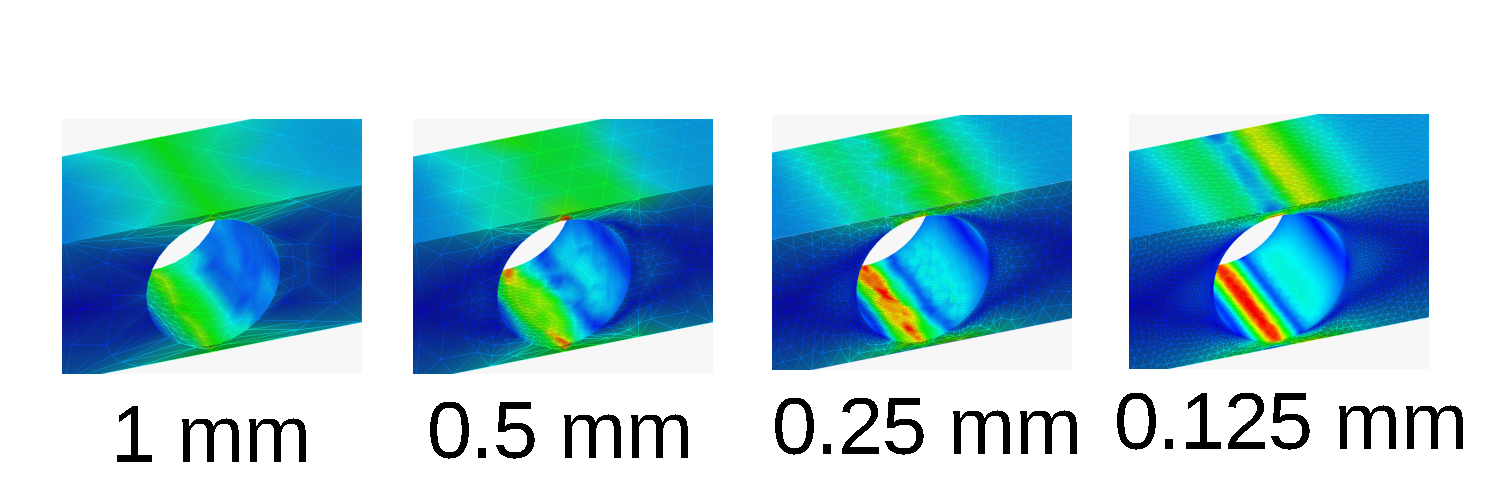
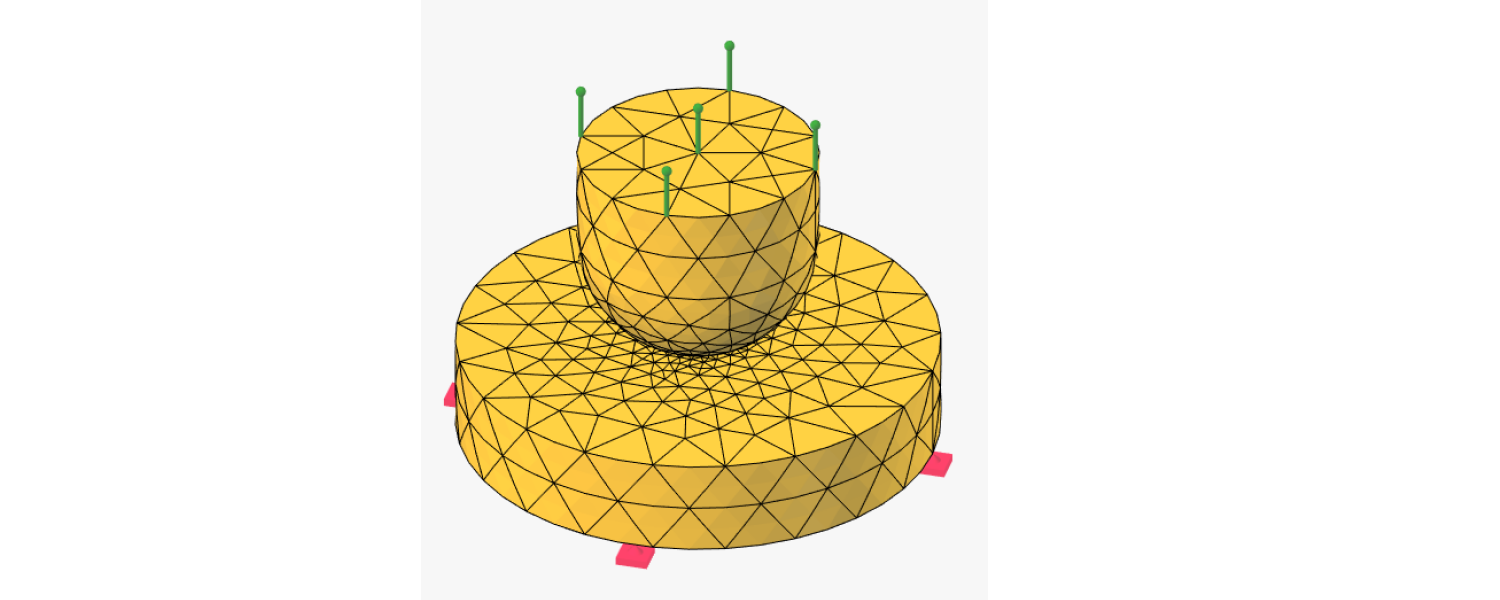
Introduction An essential idea in finite element modelling (FEM) is convergence, the idea that as you make the simulation more and more lifelike, its results will converge to the real-life stress state. In most simulations, which mainly use single-point or rigid-body constraints, the main variable that must be converged is element size: as you make the elements smaller and smaller, the simulation will become truer and truer to reality. In this case, the procedure to obtain convergence is fairly simple: run successive simulations reducing the element size each time — for example, by halving it until the results — …
-

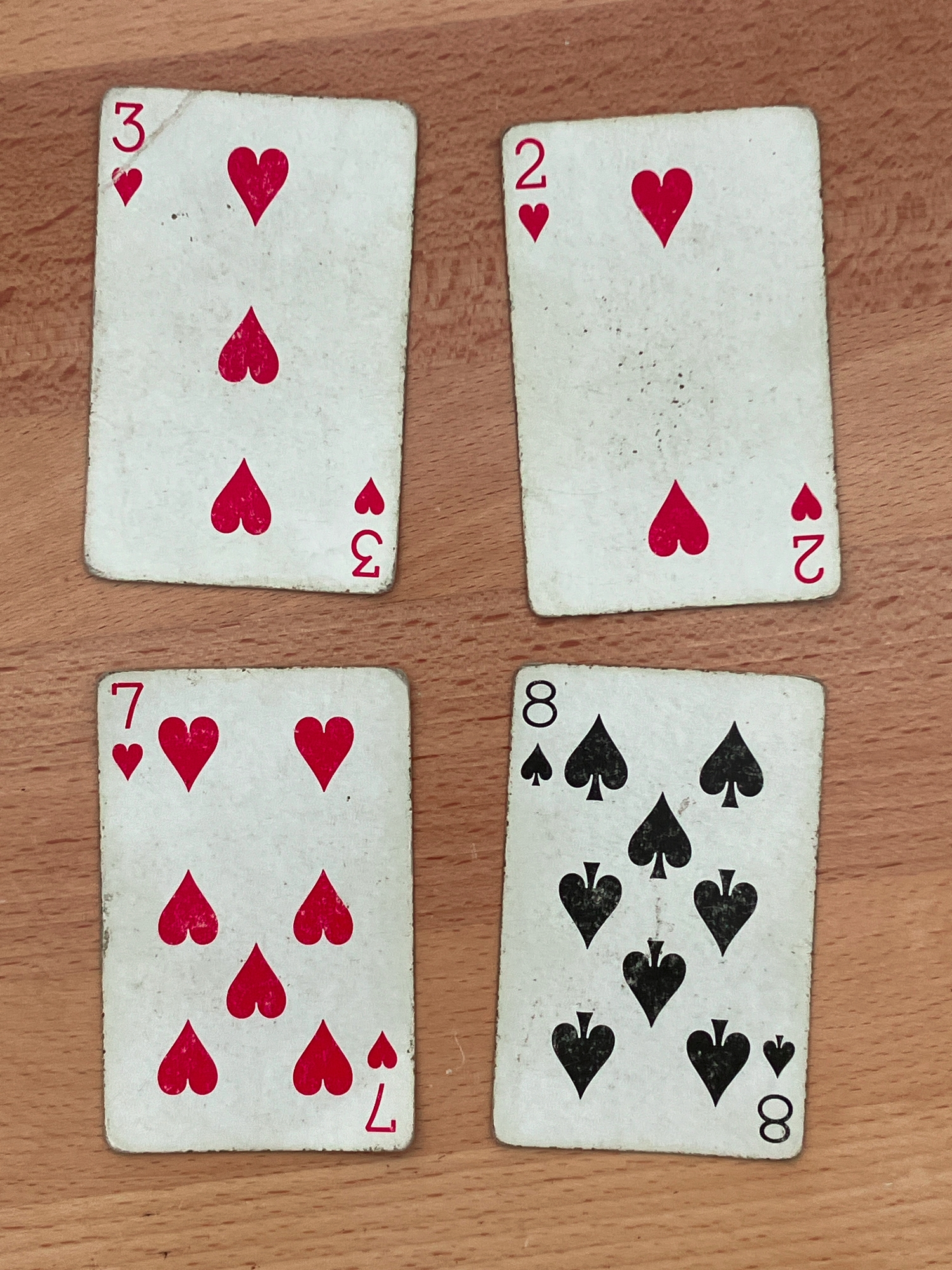
Introduction and Rules 24 is a card game in which players try to use the basic arithmetic operations and each of four numbers exactly once to get the number 24. I play the game with my friends as follows: in each round, 4 cards are dealt face-up, and the first person to yell out a solution for how to get 24 wins those cards. J is 11, Q is 12, K is 13, and A is 1. Since it is occasionally impossible to find a solution, the first player to declare the round “impossible” receives the cards after the rest…
-

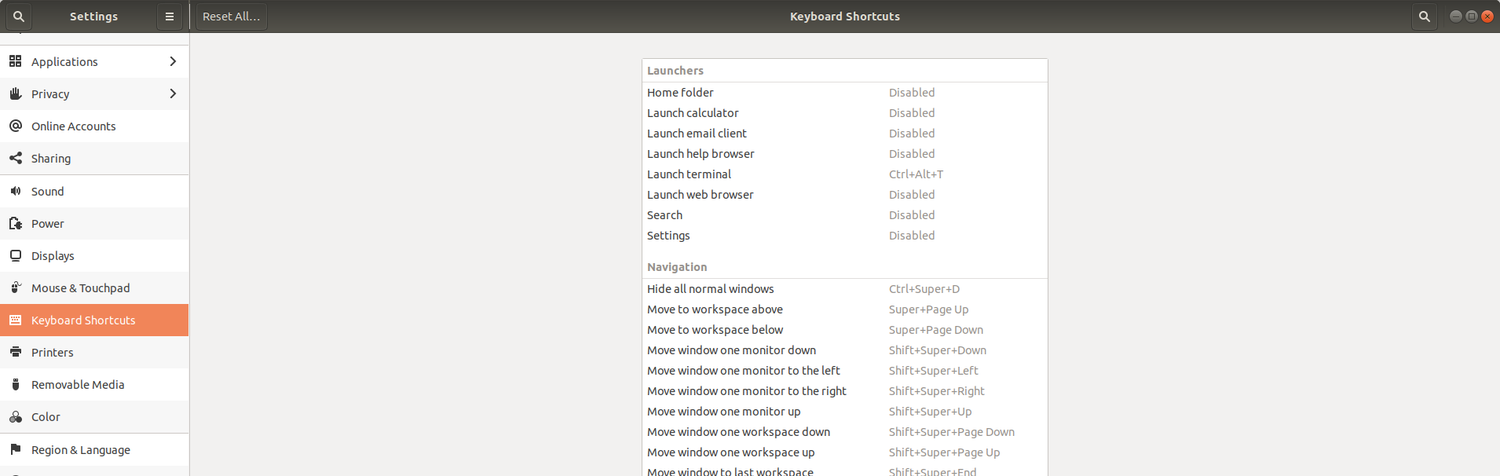
Finding no other similar resources online, I created this printable list of the keyboard shortcuts in Ubuntu. There’s only one change from the default shortcuts: I’ve set Ctrl+Space to be the shortcut for playing/pausing media playback. If you like you can edit the provided .odt file. Here’s the infinitely low-tech way I got all these shortcuts as text:After looking for a list of the shortcuts online and failing to find one, I took screenshots of them and sent them to a text identifier. Then I manually copy-pasted the output into a table. shortcuts.pdfDownload shortcuts.odtDownload…
-

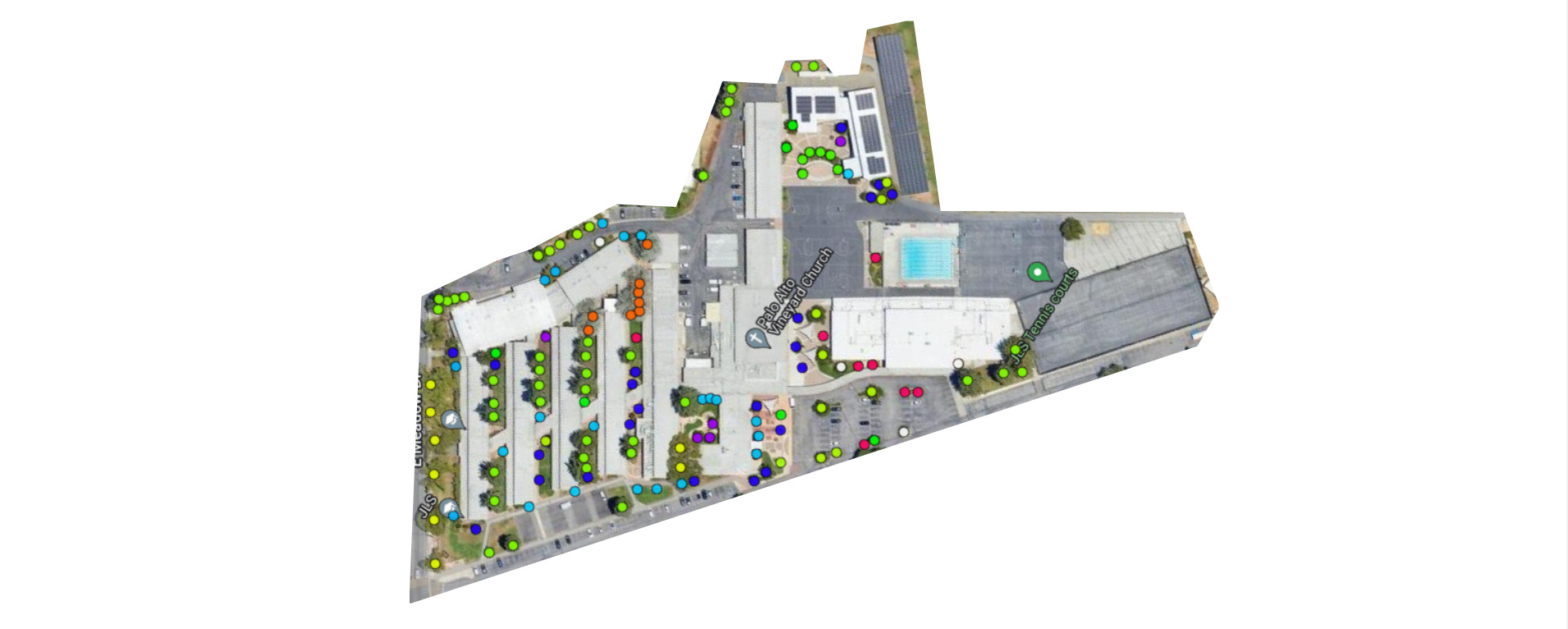
I created a tree map of Jane Lathrop Stanford Middle School for my Broadcast Media class in 8th grade, but it was never published. As I was doing research for that project, I stumbled upon the Canopy Tree Plotter, a tree map of Palo Alto, though since it didn’t list the trees at JLS, I didn’t use it. Going back yesterday, I saw that the map was partially crowdsourced, so anybody could contribute, and I decided to add the tree map there. You can see it here. Going back to the original map I created, I noticed many …
-

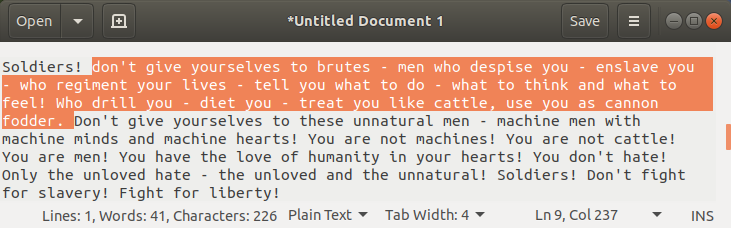
Gedit (the GNOME text editor) has a word counter plugin available on GitHub (here), but I didn’t really like it since it couldn’t display the word count of a highlighted section of your document. To do that, you would need to highlight something, and then use the Document Statistics tool from the dropdown menu. I forked the plugin and changed some code so that if anything is highlighted, it instead displays the word count of the selection. In addition, the definition of a word was changed so that words with apostrophes were counted as one and not two …
-

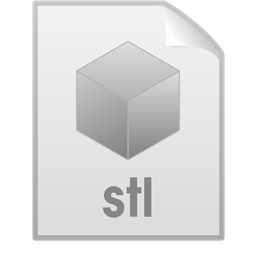
The Humanity icon theme for Ubuntu does not have an icon for STL files and other 3D modeling files, so I decided to create one. Using the default empty file icon, I added a cube with gradient fill and the letters “stl” underneath with LibreOffice Draw. Then, I went to /usr/share/mime/types to find out what mimetype STL files are — they are of type “model/stl”, so I created a new theme (instructions here), named the icon “model-stl”, and put the icon there. Here is the LibreOffice Draw file if you want to edit the icon or make a similar …